September 18, 20268 min read
Concept Lines: See How the Ideas on Your Canvas Connect
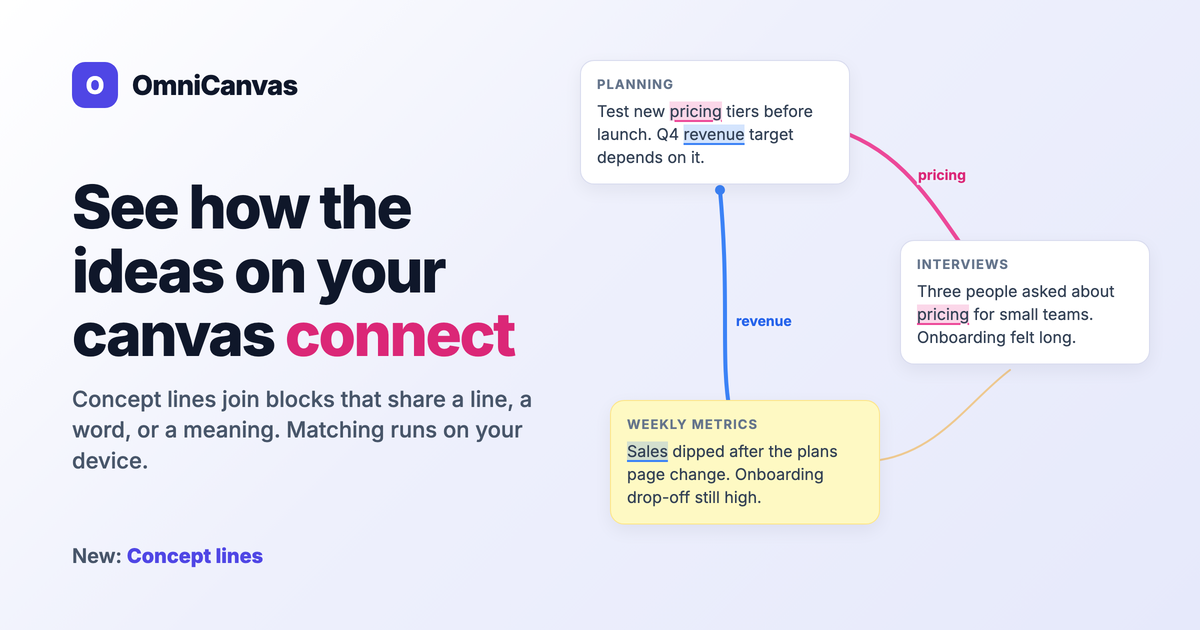
Concept lines highlight ideas shared by text blocks and sticky notes and join them with a colored line. How they work, the limits, and what stays private.
Read more
20 articles
Concept lines highlight ideas shared by text blocks and sticky notes and join them with a colored line. How they work, the limits, and what stays private.
Read moreHandwritten pages are useless to search until they are text. How OmniCanvas scans a notebook page from your phone and makes the writing findable.
Read more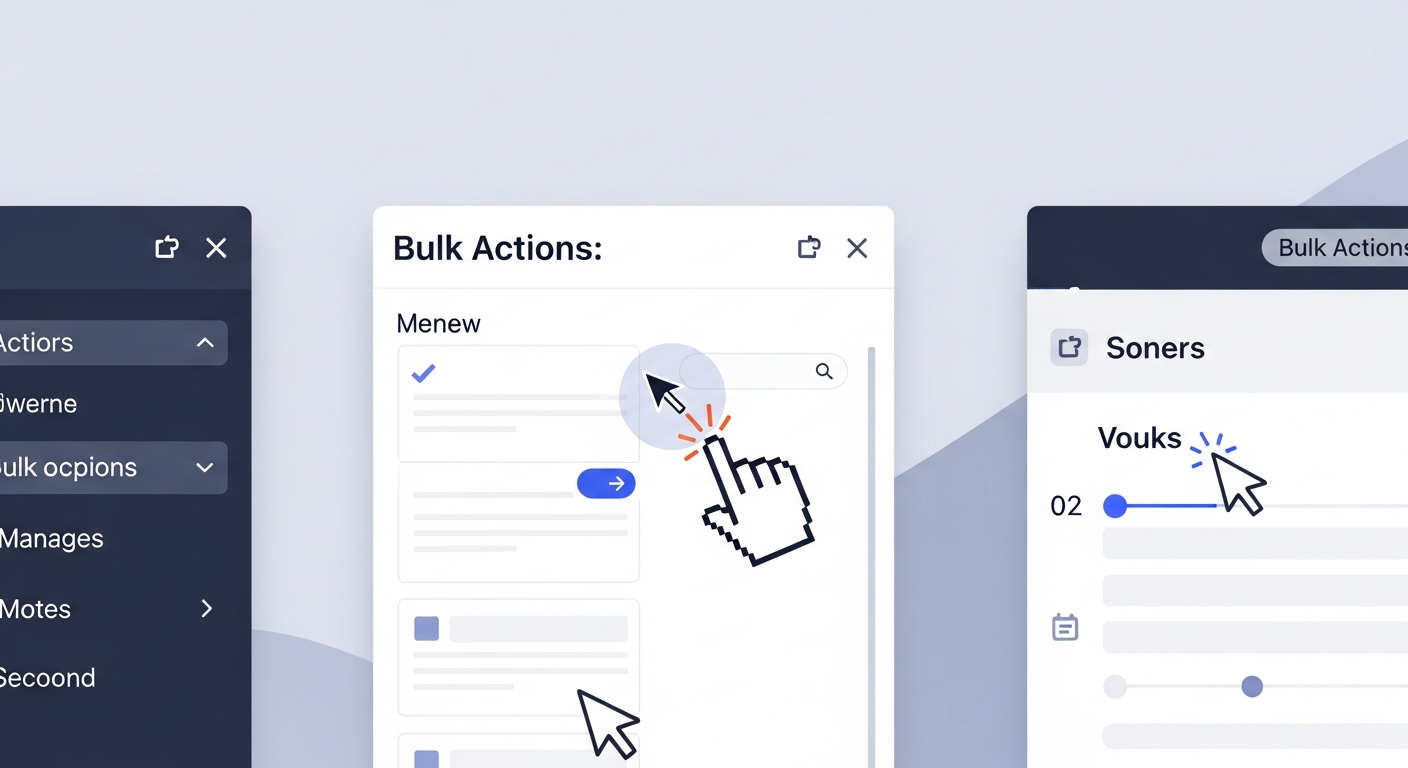
Use multi-select and bulk actions to move, delete or reorganize many notes at once. Workflows for spring cleaning, archiving and folder reorganization.
Read more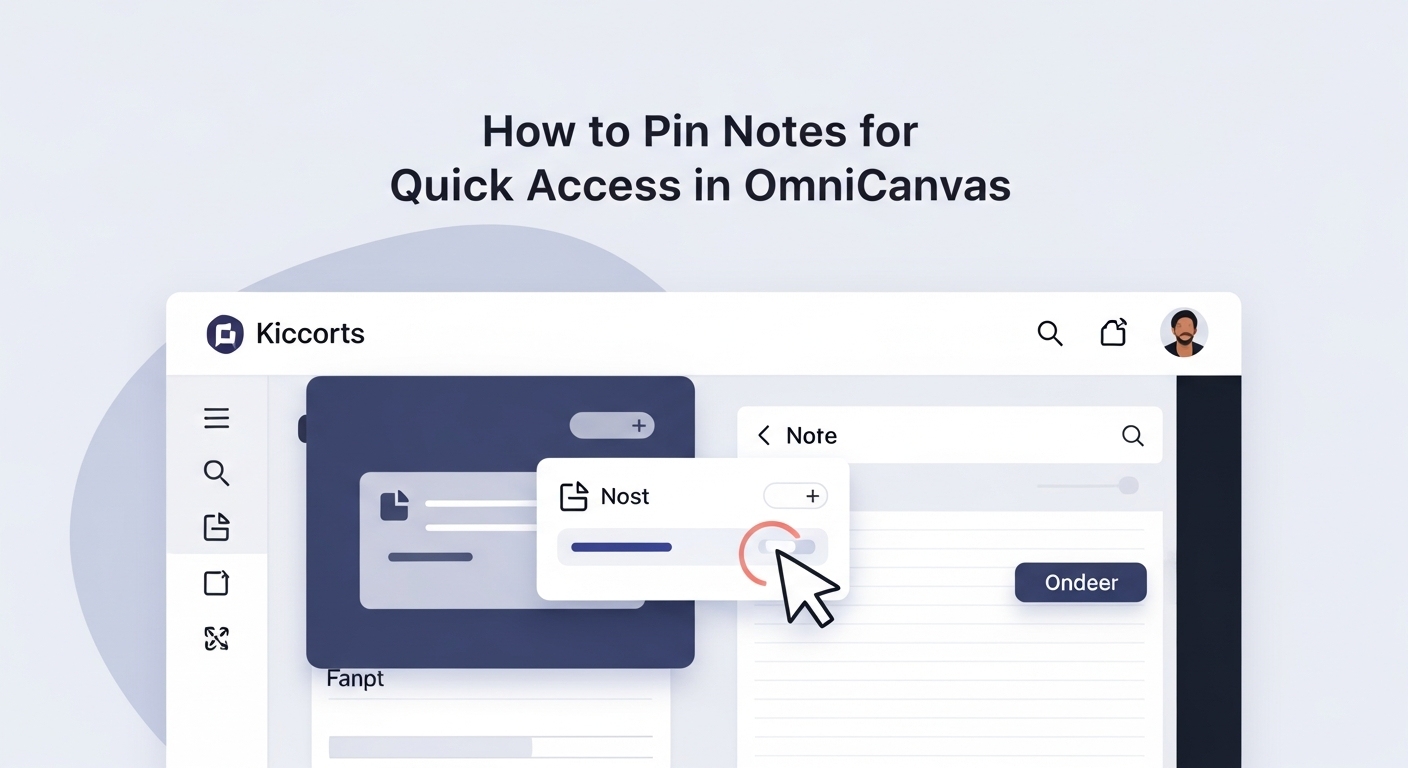
Use pinning to keep your most important notes at the top of every view. What to pin, when to unpin, and how pins combine with other organization.
Read more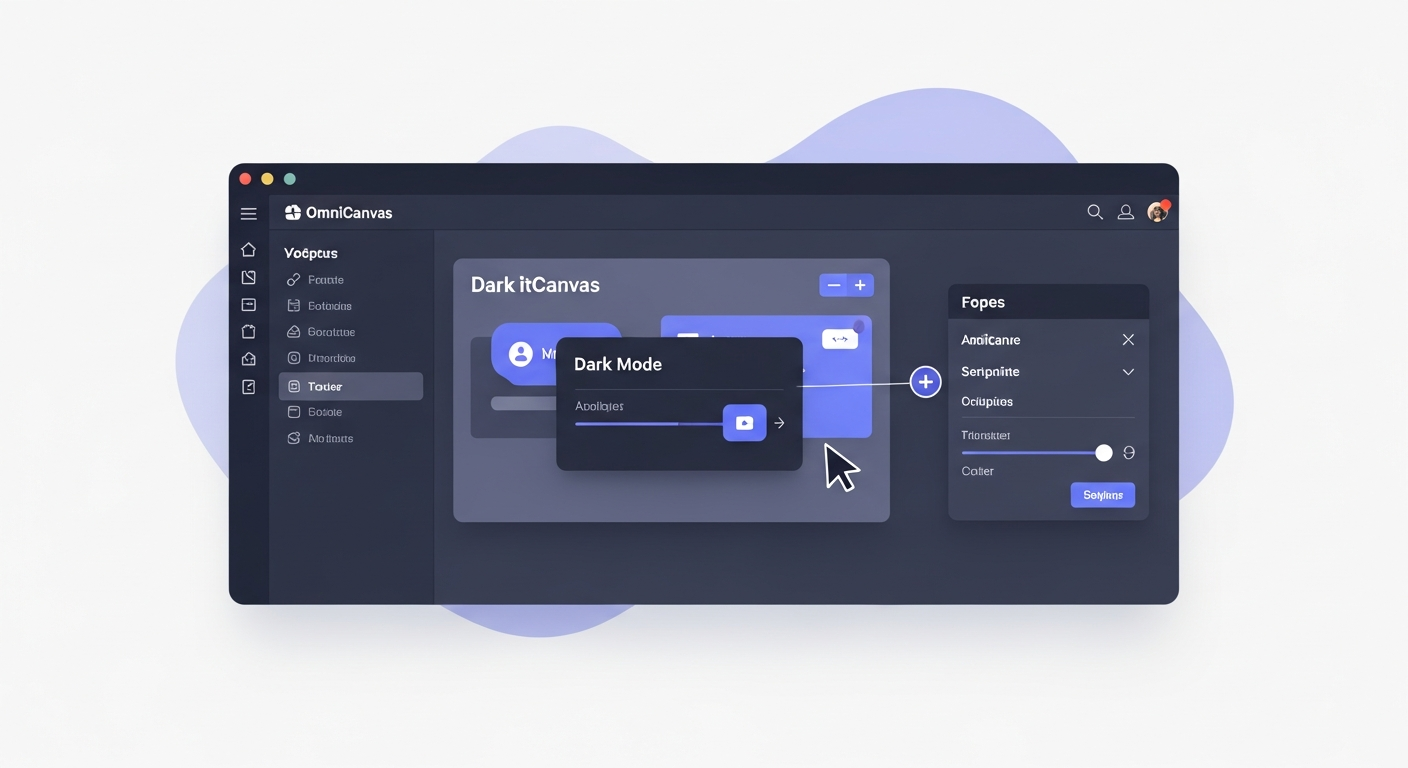
How to enable and get the most out of dark mode, including benefits for eye strain, night work, and focus.
Read more
How to use OmniCanvas's multi-folder feature to file a single note in multiple folders, enabling cross-referencing without duplication.
Read more
Create a reusable daily dashboard canvas with zones for today's priorities, ongoing projects, quick capture and reference info. Includes layouts.
Read more
Go beyond the basics: layering, opacity, combining shapes, complex diagrams, Smart Shapes for clean output, and mixing freehand with geometric shapes.
Read more
OmniCanvas cloud sync keeps your notes in sync across the desktop app and web. Learn how to set it up and get the most out of cross-device access.
Read more
OmniCanvas search goes beyond titles — it searches your canvas content, sticky notes, tags, and folders. Learn how to find any note in seconds.
Read more
Step-by-step guide for importing your Evernote notebooks into OmniCanvas, including how to export from Evernote and what to expect during the import.
Read more
Learn how to export your canvas notes as PDFs for sharing, printing, or archiving, with tips for getting the best results.
Read more
Learn how to use OmniCanvas folders and tags together for a flexible, scalable organization system that grows with your note collection.
Read more
OmniCanvas v0.3.0 brings calendar link detection, starred folders, an expanded prompt library, and full offline support. Here is everything that changed.
Read more
OmniCanvas Smart Shapes uses AI to recognize your hand-drawn shapes and clean them up automatically. Learn how to use this feature for cleaner diagrams.
Read more
When you have dozens or hundreds of notes, table view gives you a structured way to sort, filter, and manage them all. Here are the best ways to use it.
Read more
OmniCanvas includes a Kanban board view that organizes notes into columns by tag or folder. How to use it for lightweight project management.
Read more
OmniCanvas lets you place rich-text sticky notes directly on your drawing canvas. Learn how to use this feature for richer, more organized spatial notes.
Read more
Per-note client-side encryption with AES-256-GCM. Notes are encrypted in your browser before they leave your device — not even we can read them.
Read more
The knowledge graph in OmniCanvas reveals relationships between your notes that you might never notice otherwise. Learn how to use it for deeper thinking.
Read more