The Outline Method: The Fastest Way to Take Notes in Meetings and Lectures
Free spatial notes
Put this workflow on an infinite canvas instead of another linear doc.
Start in the browser with no account. Create an account only when you want to sync what you made.
The Outline Method: The Fastest Way to Take Notes in Meetings and Lectures
When information is coming at you in real time — a meeting, a lecture, a client call — you do not have time to think about layout. You need a structure you can pour words into without looking at it. That is exactly what the outline method is for, and it is why it has been the default note-taking technique for over a century.
How the Outline Method Works
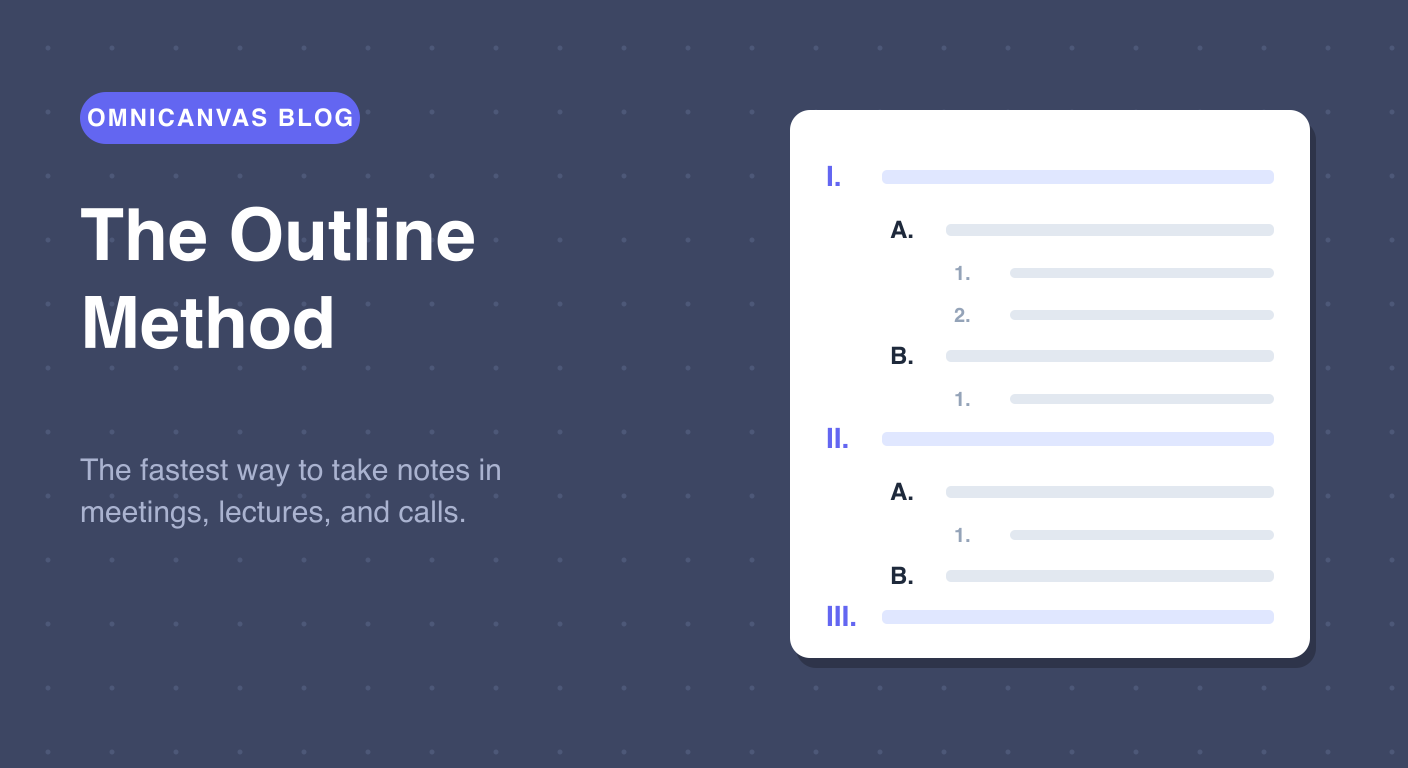
The outline method organizes notes as a hierarchy of indentation:
- Main topics sit at the left margin (I, II, III).
- Supporting ideas are indented one level beneath the topic they belong to (A, B, C).
- Details, examples, and numbers are indented one more level (1, 2, 3).
That is the whole method. The power is in what the indentation does for you: every line you write is automatically filed under the idea it belongs to. The relationships between ideas — this supports that, this is an example of that — are captured by position, with zero extra effort.
Why It Is the Best Method for Live Capture
The outline method has three properties that matter enormously when someone is talking:
It is fast. You never stop to draw boxes or decide where something goes. New topic? Back to the margin. Detail? Indent.
It matches how people present. Speakers, professors, and agendas are almost always structured as topics with sub-points. Your notes mirror the structure of the talk as it happens.
It degrades gracefully. If you fall behind, you end up with main topics and missing details — which is still useful. Other methods fall apart when you cannot keep up.
Free spatial notes
Open a canvas in the browser — no account needed.
The Outline Method's Weakness
Outlines capture structure, but they capture the speaker's structure, not your understanding. Everything is filed neatly, but the connections across topics — the part where real insight lives — are invisible. Item II.B might relate deeply to item IV.A, and the outline will never show you that.
That is why the outline method works best as the first half of a two-step workflow: outline during, mind map after. Capture in an outline while the meeting is happening, then spend ten minutes afterward rearranging the key points into a mind map that shows how they actually connect. We cover this pairing in detail in our guide to choosing a note-taking method.
Outlining on an Infinite Canvas
The traditional weakness of outlines on paper is rigidity: once written, the hierarchy is frozen. On a canvas, it is not.
The Outline Method template in OmniCanvas gives you a ready-made hierarchy — main topics, supporting ideas, and detail lines — that you fill in during the meeting. Afterward, you can:
- Drag entire sections to reorder topics after the fact.
- Pull important lines out of the outline and cluster them next to it — the first step toward a mind map.
- Paste in screenshots of slides or shared screens right next to the point they relate to.
- Add a sticky note with your action items so they do not drown in the body of the notes.
Getting Started
- Open OmniCanvas with the Outline template — it drops you straight into a local outline note.
- Title it with the meeting or lecture name and date.
- During the session, write main topics at the numerals and details under them. Do not edit, do not reorganize — just capture.
- Afterward, bold the three things that actually matter, and drag any action items out to the side where you will see them.
The outline method will not make your notes beautiful. It will make them complete, organized, and ready to be turned into understanding — which is what the next method is for.
Related: prefer a ready-made layout? Try the structured note templates.
Try the Outline Method template in OmniCanvas
Open a local canvas with the Outline Method layout ready to go — no setup or account needed.
Use the Outline Method TemplateStart locally, then sign up only to sync — or explore the interactive demo first.
Keep reading
Cornell vs. Outline vs. Box vs. Mind Map: Which Note-Taking Method Should You Use?
A practical guide to choosing between the Cornell method, outline method, box method and mind mapping — plus the capture-then-process workflow.
TechniquesMind Mapping: How to Turn Raw Notes Into Real Understanding
Mind maps are the best tool for making sense of material after a meeting or class. How to build one, why it works, and how to start from a template.
TechniquesThe Cornell Method: The Note-Taking System That Forces You to Actually Learn
How the Cornell method works, why its cue column and summary row beat ordinary notes for retention, and how to use the built-in Cornell template.