Mind Mapping: How to Turn Raw Notes Into Real Understanding
Free, no account
Put this on an infinite canvas — open one free, right now.
Notes, sketches, and ideas anywhere on the canvas, in your browser. Sign up only when you want it synced.
Free forever · 30 days of Pro when you sign up
Mind Mapping: How to Turn Raw Notes Into Real Understanding
Here is an uncomfortable truth about note-taking: capturing information and understanding it are different activities, and they fight each other. While you are writing things down, you are not connecting them. That is why the most effective note-takers work in two passes — capture first, then make sense of it. Mind mapping is the sense-making pass.
What a Mind Map Is
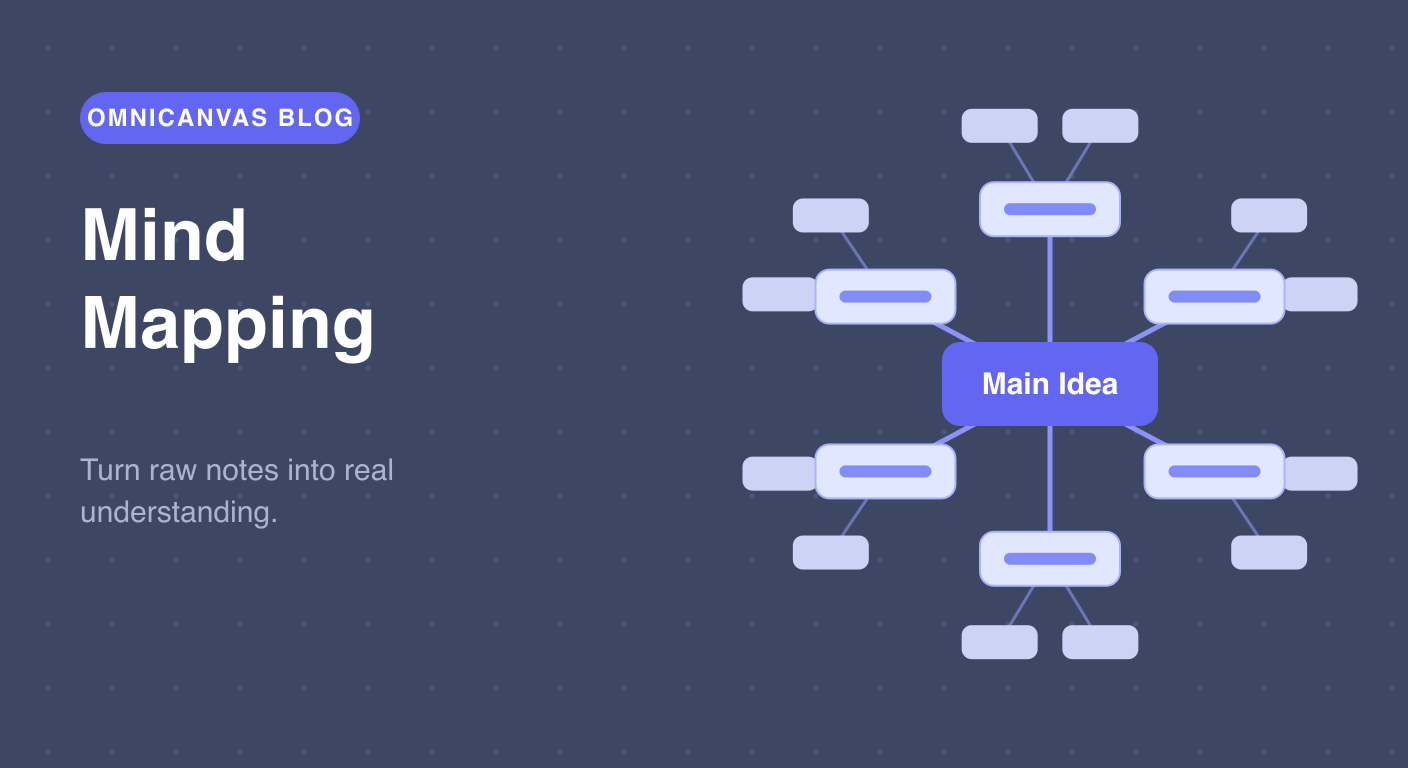
A mind map starts with one idea in the center of the page. Related ideas branch out from it, and further details branch out from those, forming a radial tree:
- Center: the topic — the meeting, the lecture, the project.
- First-level branches: the major themes (usually three to seven).
- Outer branches: details, examples, questions, action items.
Unlike an outline, a mind map has no fixed order. Ideas sit wherever they fit, and lines — not indentation — show what connects to what. Crucially, branches can connect across the map: a detail on one branch can link to a theme on the opposite side. Those cross-links are where insight happens; they are exactly what linear notes cannot show.
Why Mind Maps Work After (Not During) a Session
Mind mapping during a fast meeting is rough — you do not yet know what the main branches should be, and you cannot draw and listen at full speed. But after the session, mind mapping is precisely the workout your brain needs:
It forces retrieval. To place an idea on the map, you have to recall it and decide what it relates to. That decision is the learning.
It reveals structure the speaker never gave you. Meetings and lectures unfold in time order. Understanding is not time-ordered. Rebuilding your notes as a map converts "what was said, in sequence" into "what it means, in relation."
It exposes gaps. A branch with nothing on it is a question you need to ask. A cluster you cannot connect to the center is a topic you did not really understand.
So the workflow we recommend: capture live with the Outline Method or Cornell Notes, then spend ten minutes the same day turning the key points into a mind map. The comparison guide covers this pairing in depth.
Free, no account
Open a canvas in the browser — no account needed.
Mind Mapping on an Infinite Canvas
Mind maps and infinite canvases are a natural fit — arguably the best fit of any note-taking method:
- Maps never run out of space. Paper mind maps die at the edge of the page. Canvas mind maps grow in any direction for as long as the ideas keep coming.
- Branches are movable. Realized two branches belong together? Drag them. On paper this means redrawing the whole map.
- Nodes can be anything. A branch node in OmniCanvas can be text, an image, a screenshot of a slide, or a sticky note.
- Maps can merge. Keep every week's mind map on one canvas, and draw connections between this week's ideas and last month's.
The Mind Map template in OmniCanvas starts you with a center node, six branches, and sub-branches already laid out — you replace the placeholder text and start connecting. For a no-signup start, try the free mind map generator, and to compare dedicated tools see the best mind mapping apps.
A 10-Minute Post-Meeting Mind Map Routine
- Open OmniCanvas with the Mind Map template — the map scaffold is ready with no account wall.
- Put the meeting or lecture topic in the center node.
- Without looking at your notes, fill in as many branches as you can from memory. This is the part that builds retention.
- Now open your raw notes and add what you missed.
- Draw at least two connections between branches on different sides of the map. Ask: "how does this relate to that?"
- Mark anything you could not place with a question mark — those are your follow-ups.
Ten minutes. That is the difference between notes you never look at again and material you actually understand.
Try the Mind Map template in OmniCanvas
Open a local canvas with the Mind Map layout ready to go — no setup or account needed.
Use the Mind Map TemplateStart locally, then sign up only to sync — or explore the interactive demo first.
Keep reading
The Outline Method: The Fastest Way to Take Notes in Meetings and Lectures
The outline method is the best technique for live capture — meetings, lectures and calls. How it works, when to use it, and how to start from a template.
TechniquesCornell vs. Outline vs. Box vs. Mind Map: Which Note-Taking Method Should You Use?
A practical guide to choosing between the Cornell method, outline method, box method and mind mapping — plus the capture-then-process workflow.
TechniquesThe Cornell Method: The Note-Taking System That Forces You to Actually Learn
How the Cornell method works, why its cue column and summary row beat ordinary notes for retention, and how to use the built-in Cornell template.