Remote Work Notetaking: Staying Organized Across Time Zones
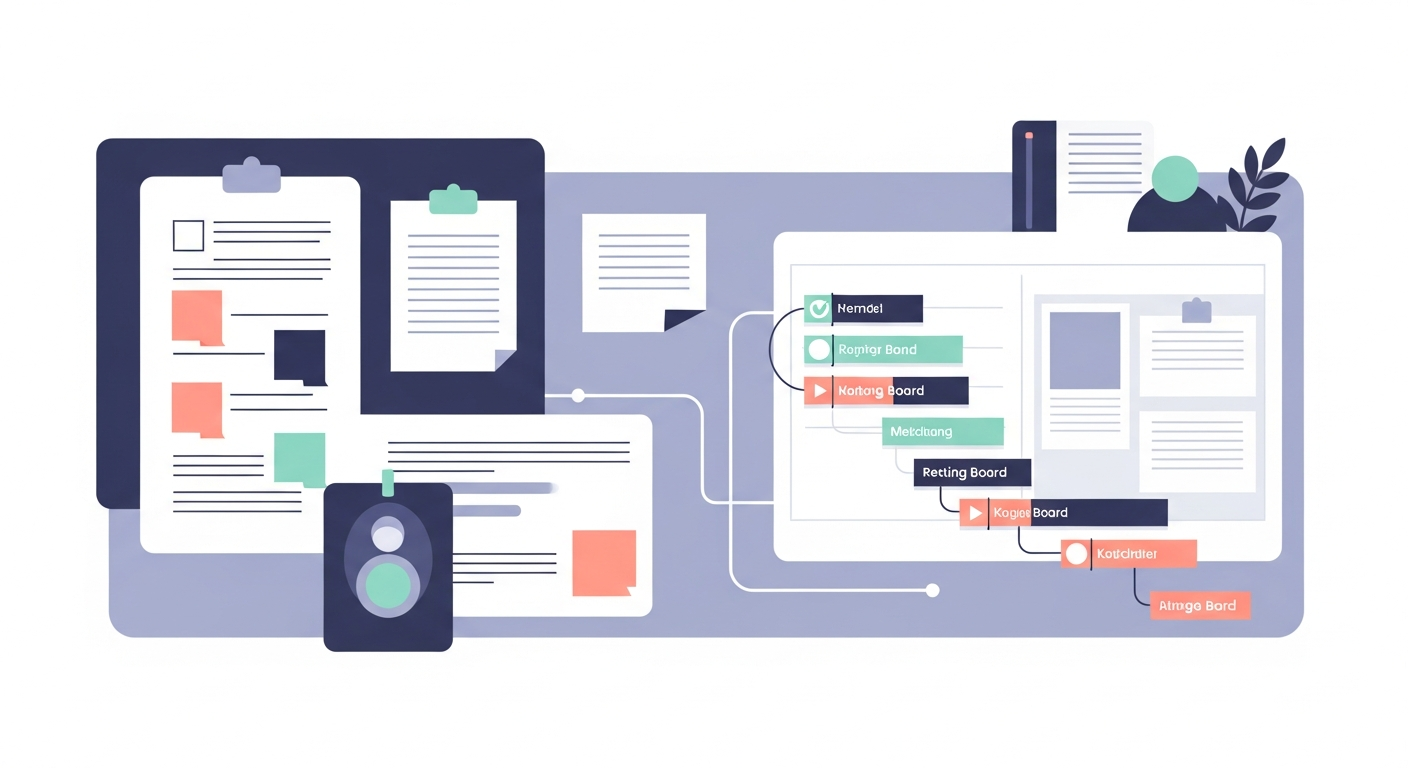
Free, no account
Put this on an infinite canvas — open one free, right now.
Notes, sketches, and ideas anywhere on the canvas, in your browser. Sign up only when you want it synced.
Free forever · 30 days of Pro when you sign up
The Remote Organization Challenge
Remote work creates a unique information problem. In an office, knowledge flows through hallway conversations, overheard discussions, and whiteboard sketches that linger in meeting rooms. Remote teams lose all of those ambient channels. Every piece of important information must be deliberately captured, organized, and shared — or it disappears.
This puts enormous pressure on your notetaking system. If your notes are scattered across chat threads, document folders, email chains, and sticky notes on your desk, you will spend a disproportionate amount of your day searching for information instead of doing meaningful work.
The solution is not another tool. It is a system — a set of habits and structures that keep your notes organized regardless of which time zone your teammates are in or when they need to find information you captured. For the underlying system, see how to organize notes when you have too many, and keep a shared online whiteboard as your team's always-on reference.
The Three Pillars of Remote Note Organization
Every effective remote notetaking system needs three things: a capture habit, an organization structure, and a retrieval method. Miss any one of these and the system breaks down.
Pillar 1: Capture Everything That Matters
The first rule of remote work notes is simple: if it was said in a meeting, decided in a chat thread, or agreed upon in an email, it needs to be captured in your note system. Not the entire conversation — just the decisions, action items, and context that will matter later.
Develop the habit of writing meeting notes during the meeting, not after. After-the-fact notes lose crucial details and nuance. During the meeting, focus on capturing:
- Decisions made and the reasoning behind them
- Action items with owners and deadlines
- Questions that remain open and who will follow up
- Context that would be needed by someone who was not in the room
Pillar 2: Organize by Project, Not by Date
Most people organize notes chronologically because that is the default in every notetaking app. But when you need to find information later, you almost never think "what did I write on March 14th?" You think "what did we decide about the pricing model?" or "what were the requirements for the API integration?"
Organize your notes by project or topic, then add the date as metadata within each note. This way, when you return to a project after a week away, all the relevant information is clustered together instead of scattered across dozens of daily note files.
A practical structure looks like this:
- Project A — all meeting notes, decisions, and reference material for Project A
- Project B — same structure
- Team — notes about team processes, retrospectives, and culture discussions
- Personal — your own development goals, one-on-one notes, and career planning
Pillar 3: Make Retrieval Fast
The best note system is one you trust enough to actually use when searching for information. That trust comes from knowing you can find things quickly.
Use descriptive titles. "Meeting Notes 3/14" tells you nothing. "Pricing Model Decision - Q2 Launch" tells you exactly what is inside.
Tag consistently. Pick a small set of tags and use them every time. Five to ten tags are usually plenty: project names, meeting types (standup, planning, one-on-one), and status markers (decision, open-question, action-item).
Write for your future self. When capturing a decision, include enough context that you will understand it three months later. "We chose Option B" is useless without "We chose Option B because Option A required a database migration and we cannot afford the downtime before launch."
Free, no account
Open a canvas in the browser — no account needed.
Async Communication Notes
In distributed teams, async communication replaces many of the meetings that co-located teams rely on. But async communication only works if the written messages are clear, complete, and easy to reference later.
The Async Update Format
When writing async updates for your team, use a consistent structure:
Status: What you completed since the last update Plan: What you intend to work on next Blockers: Anything preventing progress, and what you need from whom Decisions needed: Any choices that require input from others, with enough context for them to respond without a meeting
Keep each section brief. Three to five bullet points per section is usually sufficient. The goal is to give your teammates everything they need to stay informed and unblock you without scheduling a call.
Meeting Recap Notes
When you do have synchronous meetings, the recap is critical for teammates in other time zones who could not attend. A good meeting recap takes five minutes to write and saves hours of follow-up questions.
Structure your recaps consistently:
- Attendees and date
- Key decisions made during the meeting
- Action items with owners and due dates
- Open questions and next steps
- Relevant links or references discussed
Post the recap in a shared location where your team expects to find it. Consistency matters more than perfection — a brief recap posted reliably is worth more than a detailed one that appears sporadically.
Project Tracking for Distributed Teams
When your team spans multiple time zones, project tracking needs to be self-service. Anyone on the team should be able to check the current state of a project without asking someone to explain it.
A spatial canvas works exceptionally well for this. On a single surface, you can lay out the project timeline, current status of each workstream, blocking issues, and upcoming milestones. When a teammate in a different time zone starts their day, they open the canvas and get the full picture without waiting for someone to come online and brief them.
What to Include on a Project Canvas
- Current sprint or milestone with remaining work highlighted
- Each workstream with its owner and status
- Blockers with clear labels about what is needed and from whom
- Decisions log showing recent choices and their rationale
- Links to relevant documents, designs, and code repositories
OmniCanvas is well suited for this because you can arrange all of these elements spatially and update them throughout the day. The visual layout makes it faster to scan than a text document, which matters when you are checking status first thing in the morning across a twelve-hour time zone difference.
Building the Daily Habit
The best system is one you actually use consistently. Here is a lightweight daily routine that keeps remote work notes organized without consuming your day:
Morning (5 minutes): Review your project canvases. Check for updates from teammates in other time zones. Note any blockers or questions that need your input.
During meetings (real-time): Capture decisions, action items, and open questions as they happen. Do not wait until after the meeting.
End of day (10 minutes): Post async updates for any active projects. Update your project canvases with the day's progress. File any loose notes into the appropriate project folder.
Weekly (15 minutes): Review all active projects. Archive completed items. Check that your organization structure still makes sense.
This routine adds up to about 30 minutes per day — a small investment that pays for itself many times over in reduced searching, fewer miscommunications, and better async collaboration.
Start with One Project
If you are currently drowning in scattered notes, do not try to reorganize everything at once. Pick your most active project and build a proper note structure for just that one project. Capture meeting notes, decisions, and status updates in one place for two weeks. Once the habit is established and you feel the benefit, extend it to your other projects. The system builds momentum when you experience the relief of always knowing where to find what you need.
Ready to try spatial notetaking?
OmniCanvas is a free infinite canvas app for notes, sketches, and ideas. Start locally with no account.
Try OmniCanvas FreeSign up only when you want sync — or explore the interactive demo first.
Keep reading
How to Take Notes During User Interviews
A system for capturing user interview insights in real-time, including templates, tagging quotes, and synthesis after the session.
WorkVisual Project Management: Kanban Boards vs. Spatial Canvases
Compare kanban boards and spatial canvases for project management. When each approach works best and how to combine them.
WorkHow Product Managers Use Spatial Notes for Roadmap Planning
How PMs can use spatial canvases for roadmap planning, feature prioritization, user journey mapping, and stakeholder communication.