How Product Managers Use Spatial Notes for Roadmap Planning
Free, no account
Put this on an infinite canvas — open one free, right now.
Notes, sketches, and ideas anywhere on the canvas, in your browser. Sign up only when you want it synced.
Free forever · 30 days of Pro when you sign up
Why Linear Roadmaps Fall Short
Most product managers start their career managing roadmaps in spreadsheets or list-based tools. A backlog of features ranked from top to bottom. Quarterly goals in neat rows. It works until it doesn't.
The problem is that product decisions are rarely linear. A single feature touches engineering capacity, design resources, customer segments, business goals, and technical dependencies all at once. Flattening those relationships into a ranked list strips away the context that actually drives good prioritization.
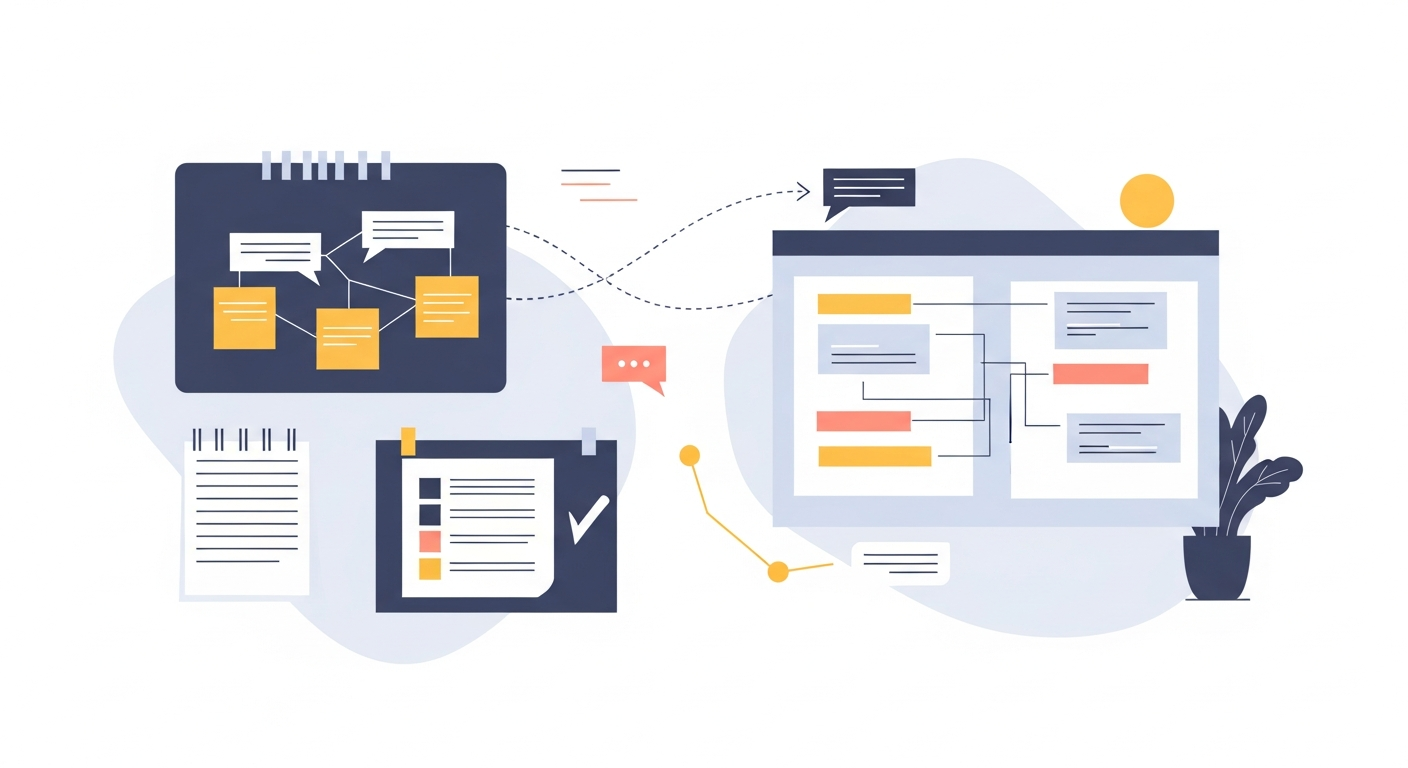
Spatial notes offer an alternative. Instead of forcing everything into rows and columns, you lay out your roadmap on an open canvas where relationships, clusters, and priorities become visible at a glance. It is the same shift that helps when you need to organize notes that have piled up, and you can sketch a roadmap on a free online whiteboard in minutes.
Mapping Features to Strategic Themes
Start by placing your strategic themes as large text blocks across the top of your canvas. These might be things like "Reduce Churn," "Expand Enterprise," or "Improve Onboarding." Below each theme, place the features and initiatives that contribute to that goal.
What becomes immediately obvious is overlap. Some features serve multiple themes, and on a spatial canvas you can draw lines connecting a single feature card to two or three strategic pillars. In a spreadsheet, that relationship gets buried in a column of tags nobody reads.
A Simple Layout That Works
- Place three to five strategic themes as headers across your canvas
- Below each theme, add feature cards with a short description and estimated effort
- Draw connections between features that share dependencies or serve multiple themes
- Use color or size to indicate priority level
- Group features that must ship together into clusters
This layout gives you a single view that answers the questions stakeholders actually ask: "Why are we building this?" and "What depends on what?"
Feature Prioritization on a Canvas
Traditional prioritization frameworks like RICE or ICE scores are useful, but they reduce complex tradeoffs to a single number. Spatial prioritization keeps the nuance visible.
Create a simple two-axis layout on your canvas. Place "Impact" on the vertical axis and "Effort" on the horizontal axis. Now drag your feature cards into position. High-impact, low-effort items cluster in the top-left — your quick wins. High-effort, high-impact items sit in the top-right — your strategic bets.
This is not a new idea. What makes it powerful on a spatial canvas is that each feature card can contain notes, links, and context. You are not just plotting dots on a chart. You are building a living document where each item carries its full story.
The key advantage: when a stakeholder asks why Feature X was deprioritized, you can zoom into its card and show the reasoning right there, in context, surrounded by the alternatives you chose instead.
Free, no account
Open a canvas in the browser — no account needed.
User Journey Mapping
Product managers who skip user journey mapping tend to build features that work in isolation but feel disconnected to users. A spatial canvas is the natural home for journey maps.
Lay out the stages of your user journey from left to right: Awareness, Signup, Onboarding, First Value, Habit Formation, Expansion. Under each stage, place the touchpoints, pain points, and opportunities you have identified.
What to Capture at Each Stage
- Touchpoints: What does the user interact with? Landing page, email, in-app tooltip?
- Emotions: Where are users confused, frustrated, or delighted?
- Drop-off points: Where do users abandon the flow?
- Opportunities: What could you build or change to improve this stage?
The spatial layout lets you see the entire journey without scrolling through a 40-page document. You can zoom out for the big picture or zoom into a specific stage to work through details. Tools like OmniCanvas make this particularly fluid because you can mix freehand sketches with structured text blocks on the same surface.
Stakeholder Communication
One of the hardest parts of product management is communicating plans to different audiences. Engineers want technical details. Executives want strategic alignment. Designers want user context. A single roadmap document rarely serves all three.
With spatial notes, you can create layered views of the same plan. Your master canvas holds everything. From it, you can create simplified snapshots for different audiences:
- Executive view: Strategic themes, key metrics, and quarterly milestones only
- Engineering view: Features with dependencies, technical requirements, and sequencing
- Design view: User journey stages with the features mapped to each touchpoint
Rather than maintaining three separate documents that inevitably drift out of sync, you maintain one spatial canvas and extract the relevant view for each conversation.
Running Effective Planning Sessions
Quarterly planning is where spatial notes really prove their value. Instead of presenting slides and asking for feedback, open a canvas and build the plan together.
Start with what you know: the strategic goals, the committed features, the known constraints. Place those on the canvas first. Then open the floor for discussion. As new ideas surface, add them to the canvas in real time. As dependencies emerge, draw the connections.
Tips for Spatial Planning Sessions
- Timebox each section. Spend 15 minutes on strategic alignment, 20 on prioritization, 15 on sequencing.
- Make constraints visible. Place engineering capacity, design bandwidth, and deadline commitments on the canvas so tradeoffs are concrete.
- Capture decisions, not just ideas. When the group makes a call, mark it clearly on the canvas. Bold the text, add a border, or move it to a "Decided" zone.
- End with next steps. Before closing, identify the top three actions and who owns each one.
The result is a planning artifact that reflects the actual conversation, not a sanitized version created after the fact.
Keeping Your Roadmap Alive
The biggest failure mode for roadmaps is that they become static documents nobody updates. A spatial canvas reduces this friction because updating it feels more like rearranging a desk than editing a formal report.
When priorities shift mid-quarter, drag feature cards to their new positions. When a dependency gets resolved, remove the connection line. When a new opportunity emerges, add it to the canvas near the theme it supports and see how it changes the picture.
OmniCanvas supports this workflow well because everything lives on a single infinite surface. There is no switching between tabs or documents to keep things in sync. Your roadmap is one living, breathing artifact that evolves with your product.
Getting Started
If you are a PM currently managing your roadmap in a spreadsheet, try this: take your top ten features and place them on a spatial canvas. Add the strategic themes they serve. Draw the dependencies. Within 30 minutes, you will likely see relationships and conflicts that were invisible in your previous format. That clarity is what makes spatial roadmapping worth the switch.
Ready to try spatial notetaking?
OmniCanvas is a free infinite canvas app for notes, sketches, and ideas. Start locally with no account.
Try OmniCanvas FreeSign up only when you want sync — or explore the interactive demo first.
Keep reading
Visual Project Management: Kanban Boards vs. Spatial Canvases
Compare kanban boards and spatial canvases for project management. When each approach works best and how to combine them.
WorkHow to Take Notes During User Interviews
A system for capturing user interview insights in real-time, including templates, tagging quotes, and synthesis after the session.
WorkRemote Work Notetaking: Staying Organized Across Time Zones
How remote workers can maintain organized notes for async communication, meeting recaps, and project tracking.